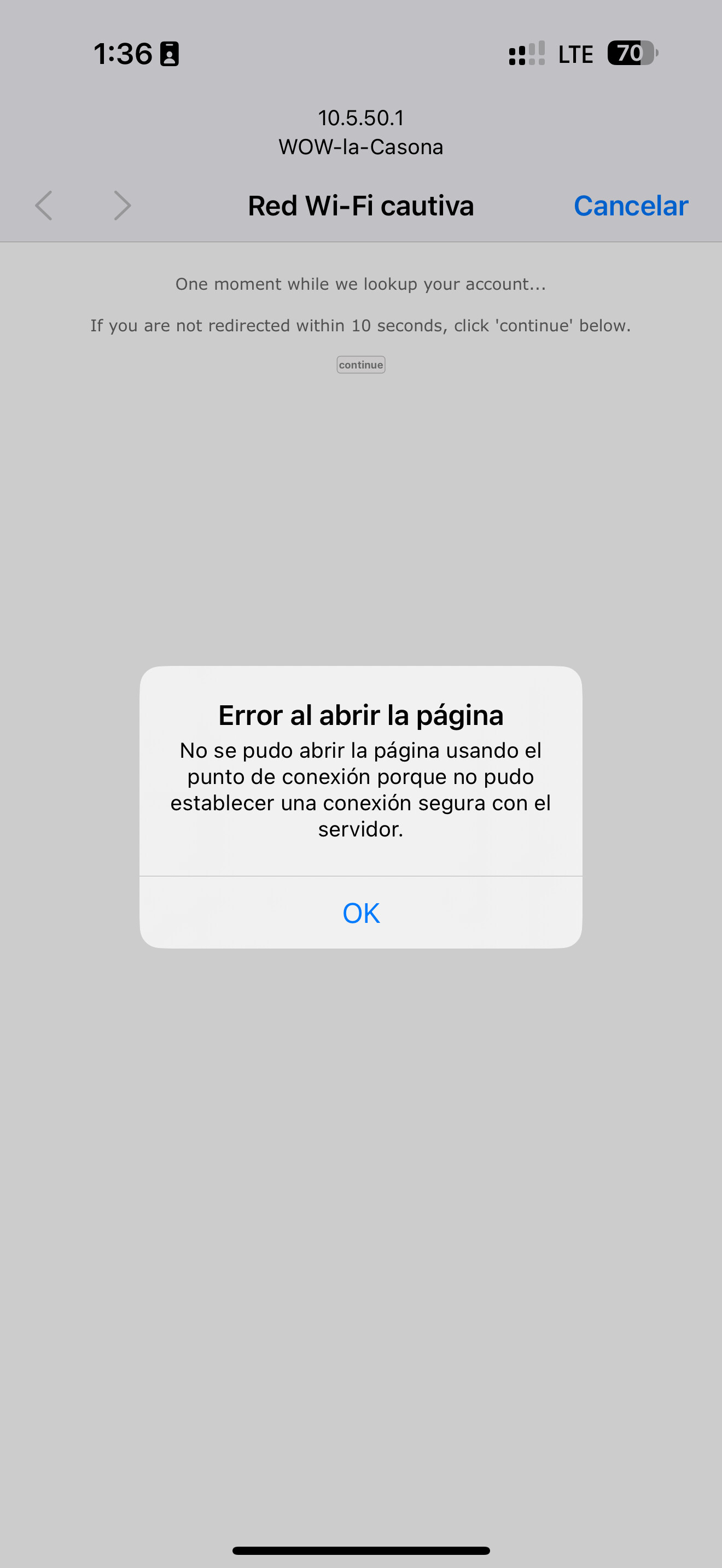
Hi, I’m new to Powerlynx. I’ve followed the configuration manuals, and when I try to access the network, it shows me the following message: “Error opening the page. The page could not be opened using the connection point because it could not establish a secure connection with the server.” It doesn’t show me the page configured in the splash page. Is this the reason? Any recommendations to solve it?
Hello Julian,
Thank you for reaching out to the Powerlynx Forum.
Please contact us via email support@powerlynx.app.
Additionally, please provide your Powerlynx URL.
Thank you.
I had same problem, found the problem to be latest version on 7.20+ as soon as i roll back to 7.19.6 it works
MikroTik RouterOS has new updates that allow you to set the device mode.
Important Note: Your MikroTik device mode must be set to advanced.
Steps to Check and Update
- Check the Current Mode: Execute the following command to display the current device mode:
/system/device-mode/print - Update to Advanced Mode: If the mode displayed is
home, perform the following commands to update it:/system/device-mode/ update mode=advanced